Device Settings (Desktop & Mobile)
This section allows you to control where the app is active based on the user’s device.
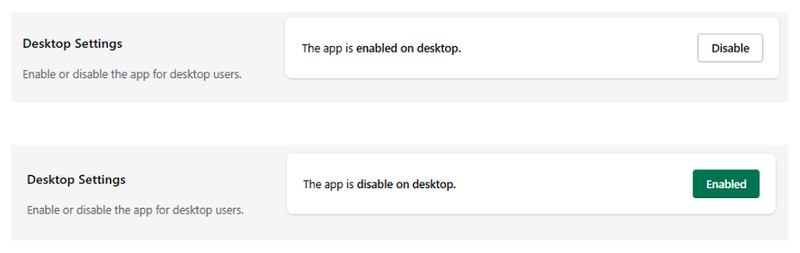
Desktop Settings
Manage the app visibility for desktop users.
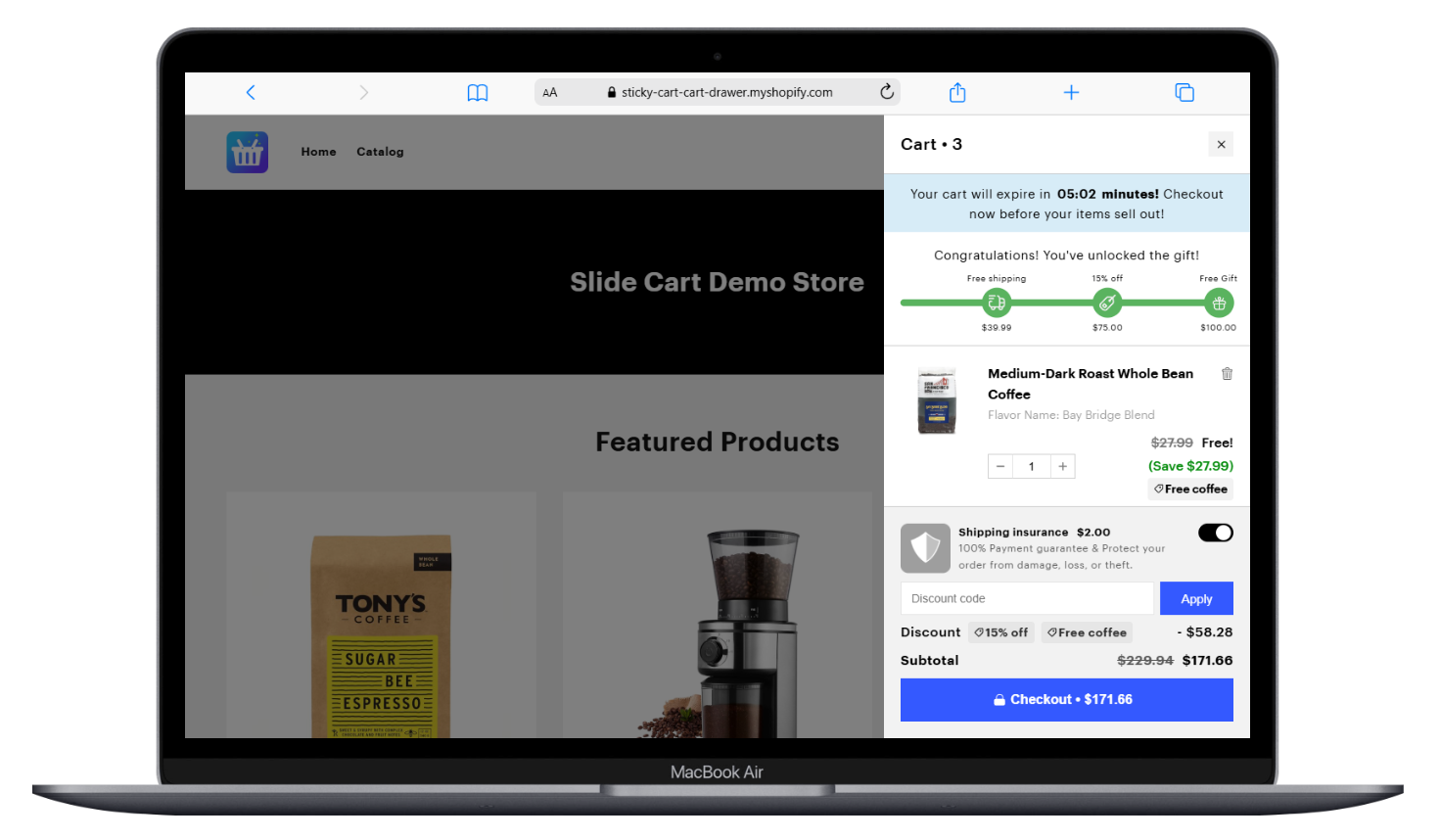
- When enabled, the app will be active and visible on desktop devices.
- When disabled, the app will not be displayed on desktop.
Use the Enable/Disable button to control the app behavior on desktop.
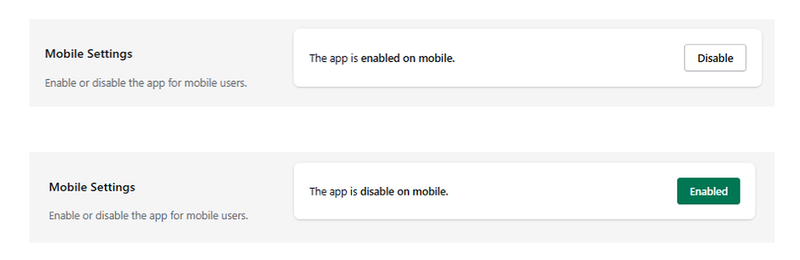
Mobile Settings
Manage the app visibility for mobile users.
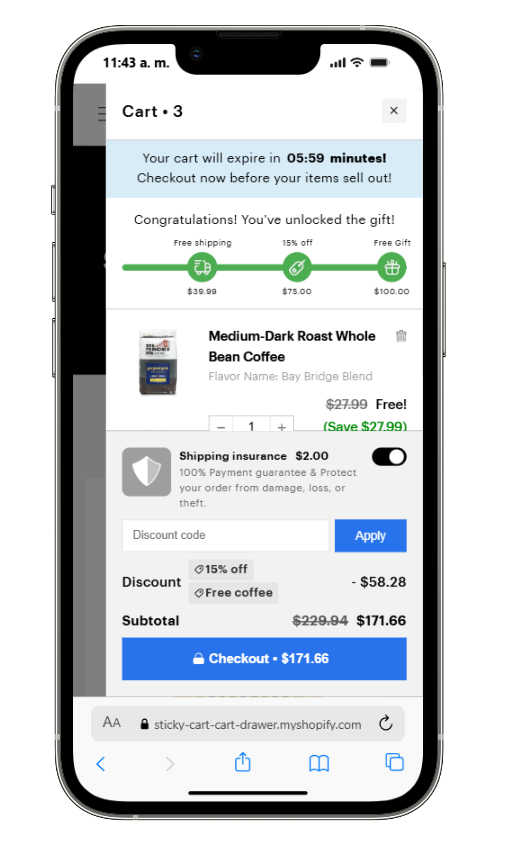
- When enabled, the app will be active and visible on mobile devices.
- When disabled, the app will not be displayed on mobile.
Use the Enable/Disable button to control the app behavior on mobile.
Notes
- These settings allow you to target specific devices independently.
- You can enable the app on desktop, mobile, or both depending on your strategy.
- Disabling one device will not affect the other.


